
After Effects remains the strongest tool for complex compositing, character animation and live-action effects. For product videos, kinetic typography and social animations, AI with a good prompt is much faster and delivers comparable quality. Many editors now use both.
I spent five years building animations in After Effects at a marketing agency: keyframes, graph editor curves, renders, feedback, renders again. Honestly, I did not want to move away from it. After Effects is a great tool and it feels a bit sad to hand part of it over. But you have to try it. So I started building videos from prompts. Here is my comparison.
Where After Effects stays ahead
- Compositing and effects: live action, masks, tracking, particles.
- Character animation with rigs.
- Full control in detail when a client signs off every frame.
- Familiar team workflows with project files and plugins.
Where AI is faster
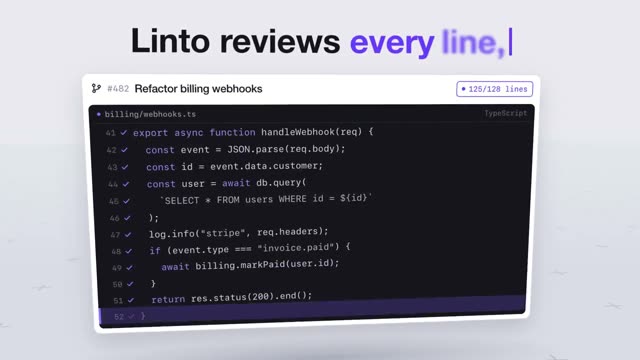
- Product videos and launch films: "Linto" above would have taken me several days in After Effects. With the prompt, a first version takes minutes.
- Kinetic typography: changing a word is one sentence, not re-animating layers.
- Variants: new format, colours or copy in minutes.
- No waiting for renders while you iterate.
Side by side
| After Effects | AI with a prompt | |
|---|---|---|
| Time to first version | hours to days | minutes |
| Learning curve | months | almost none |
| Control | every detail | everything you can describe |
| Cost | Adobe subscription and plugins | access to Claude |
| Type, interfaces, shapes | very good | very good |
| Effects and live action | very good | limited |
My workflow today
For product videos, social ads and quick tests I use prompts. For client projects with live action, effects or special requests I still open After Effects. Often I combine both: the animation comes from a prompt, sound and colour are finished in the editor. If you know After Effects, you have a big advantage because you know what good timing looks like and can describe it precisely.
Who should use what
Beginner? Start with prompts and learn by changing them. Editor or motion designer? Add prompts and win time for the projects where your craft really counts. Every DrillUp plan includes both: the AI video prompts and the After Effects projects.
Frequently asked questions
Is it still worth learning After Effects?
Yes, if you want to work in motion design professionally. Understanding timing, easing and composition also helps you prompt better.
Can I edit AI videos in After Effects?
Yes. Export the AI video as MP4 or with alpha and use it in After Effects or your editor as usual.
Does DrillUp include After Effects projects?
Yes. Besides the AI video prompts, every plan includes finished After Effects projects to download.